Insights Contract
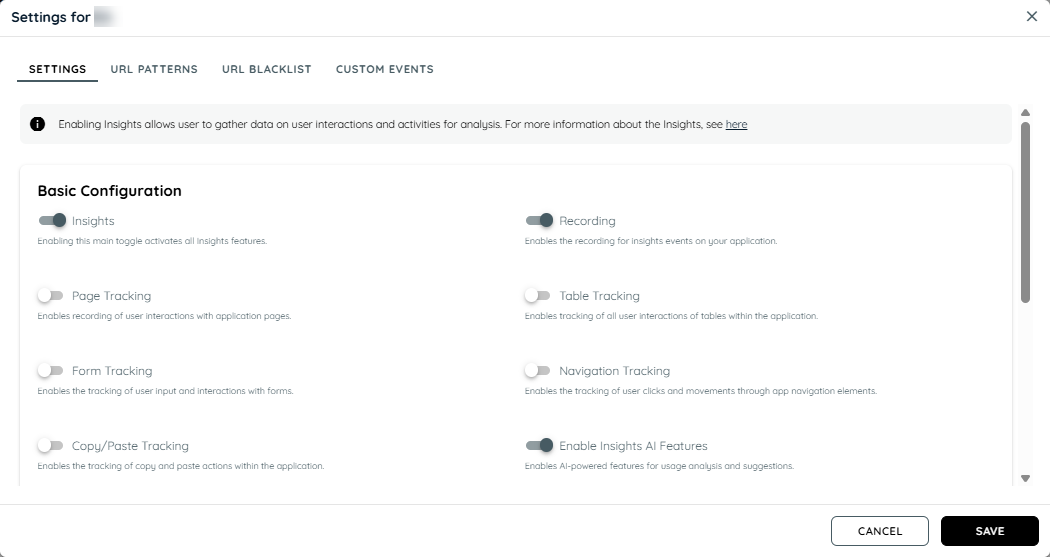
The insights contract allows recording of all UBM features like page tracking, page activity tracking, form tracking, table tracking, navigation tracking and copy/paste tracking.
Users can access a comprehensive collection of charts of all the data recorded. Here we find data of all users sessions, recorded events, user activity, trends, and patterns related to your data. Insights offers a informative experience to help you gain valuable insights of users by countries, slow pages, intent analytics , copy/paste events. weekly usage, most interacted areas, most interacted pages and most interacted elements.
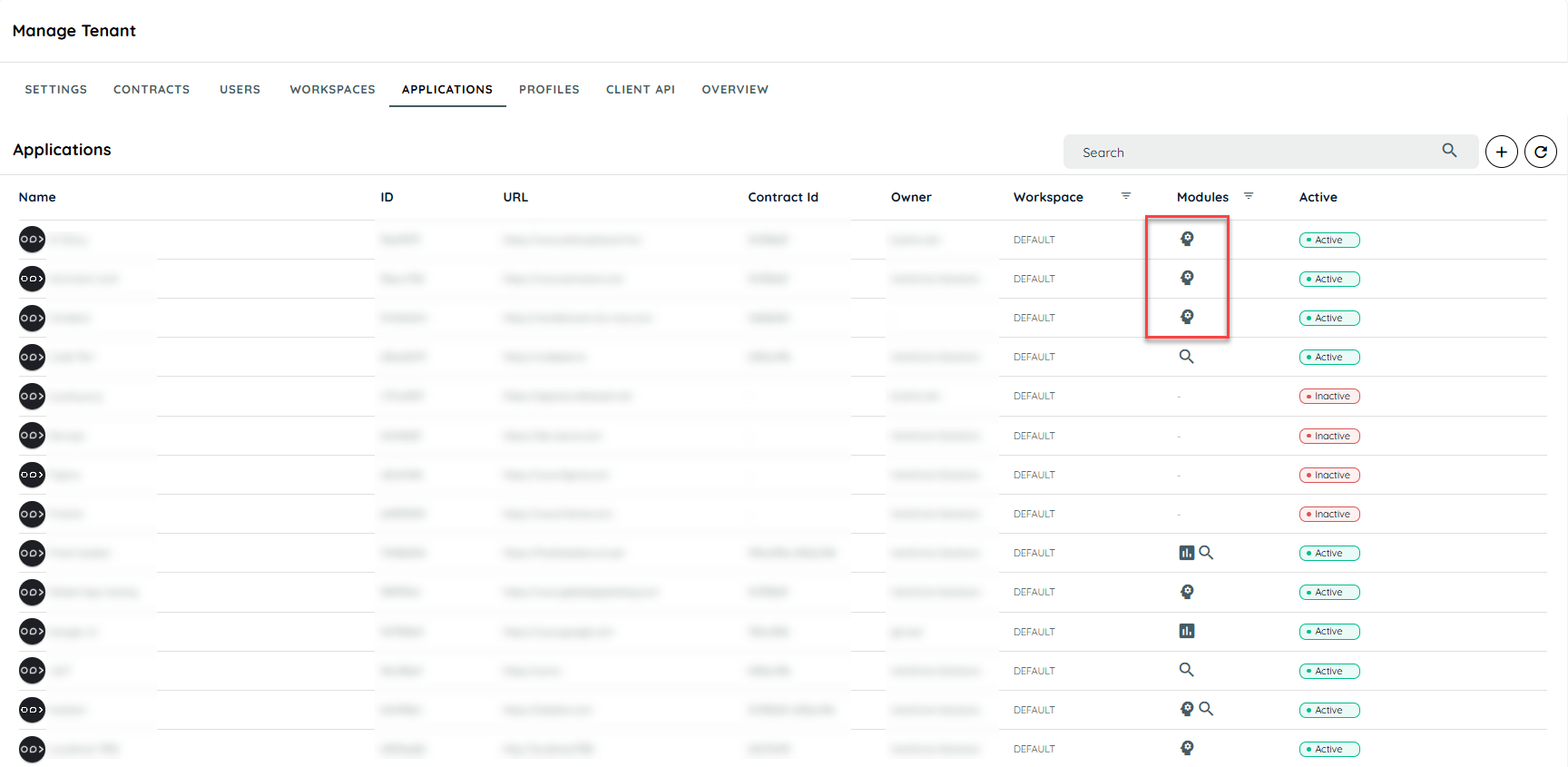
To enable Insights for an application, follow these steps:
Access Contracts:
- Go to the Manage Tenant tab.
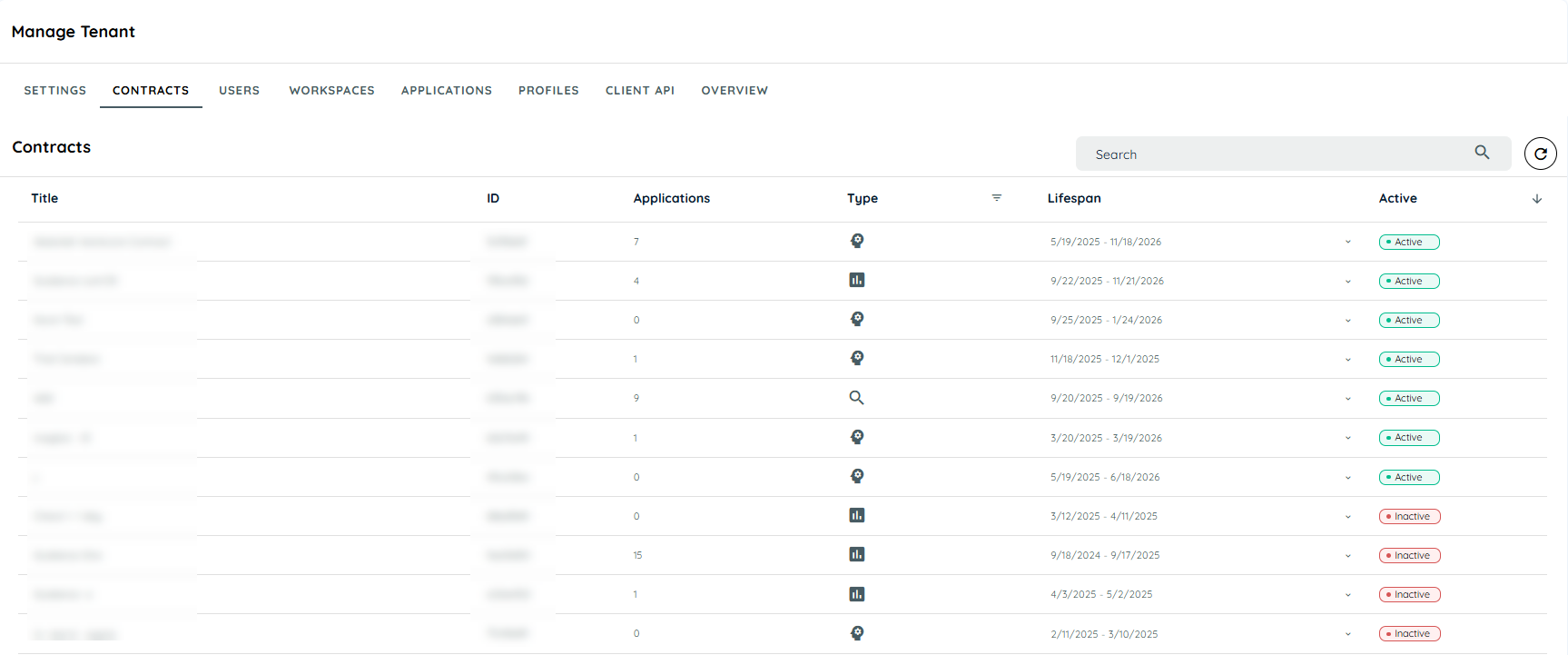
- Select the Contracts tab. This will open the Contracts page, displaying a list of available contracts.
Assign the Insights Contract:
- Locate the Insights contract from the list.
- Assign it to the target application to enable Insights for tracking.
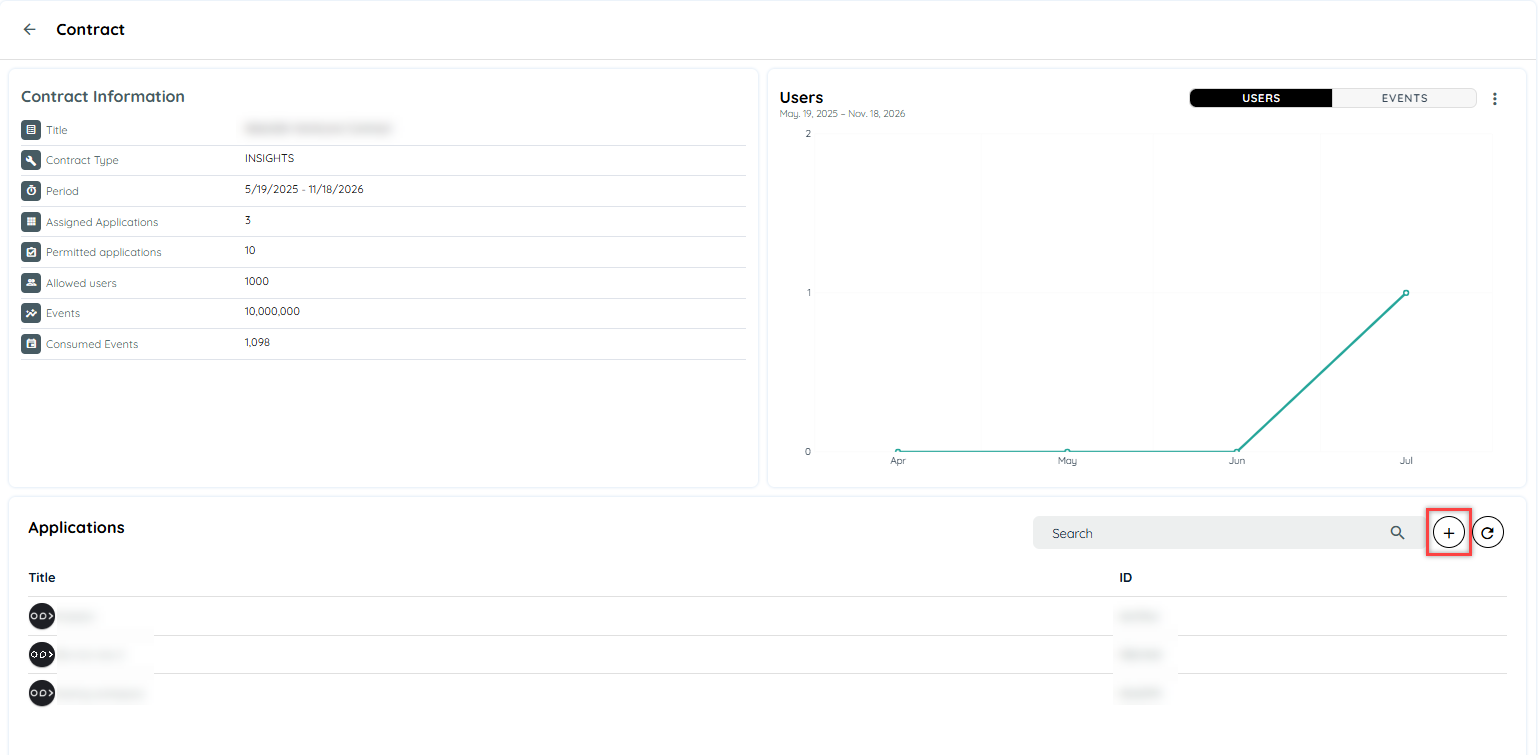
Configure Insights:
- Navigate to the Insights tab.
- Search and select the application.
- Open Insights Settings and enable the Insights toggle along with the Recording toggle to start capturing interactions.
Updated 12 months ago